


Label emails
Label attachments
Create response drafts
Create automatic replies
Integration with other connectors
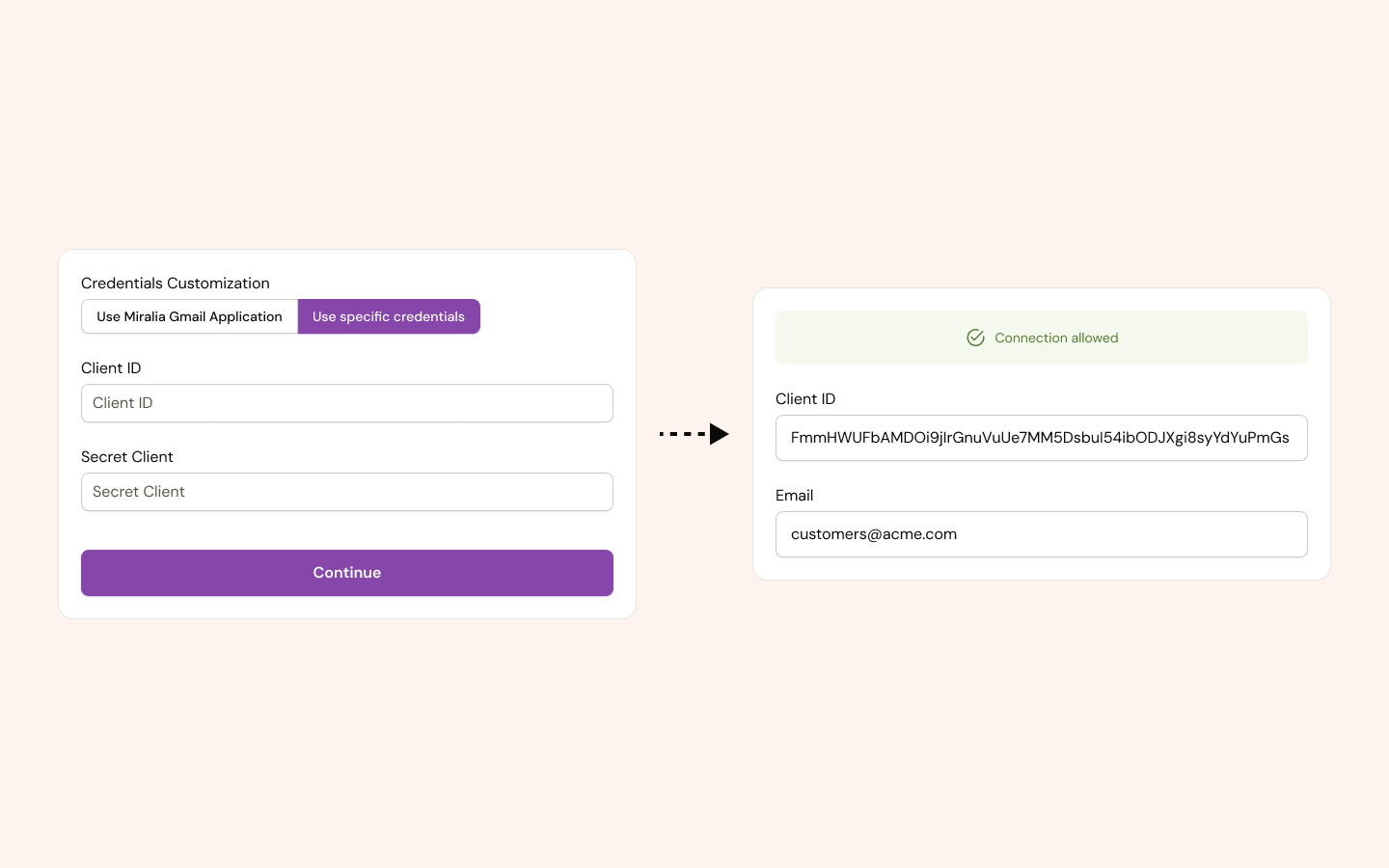
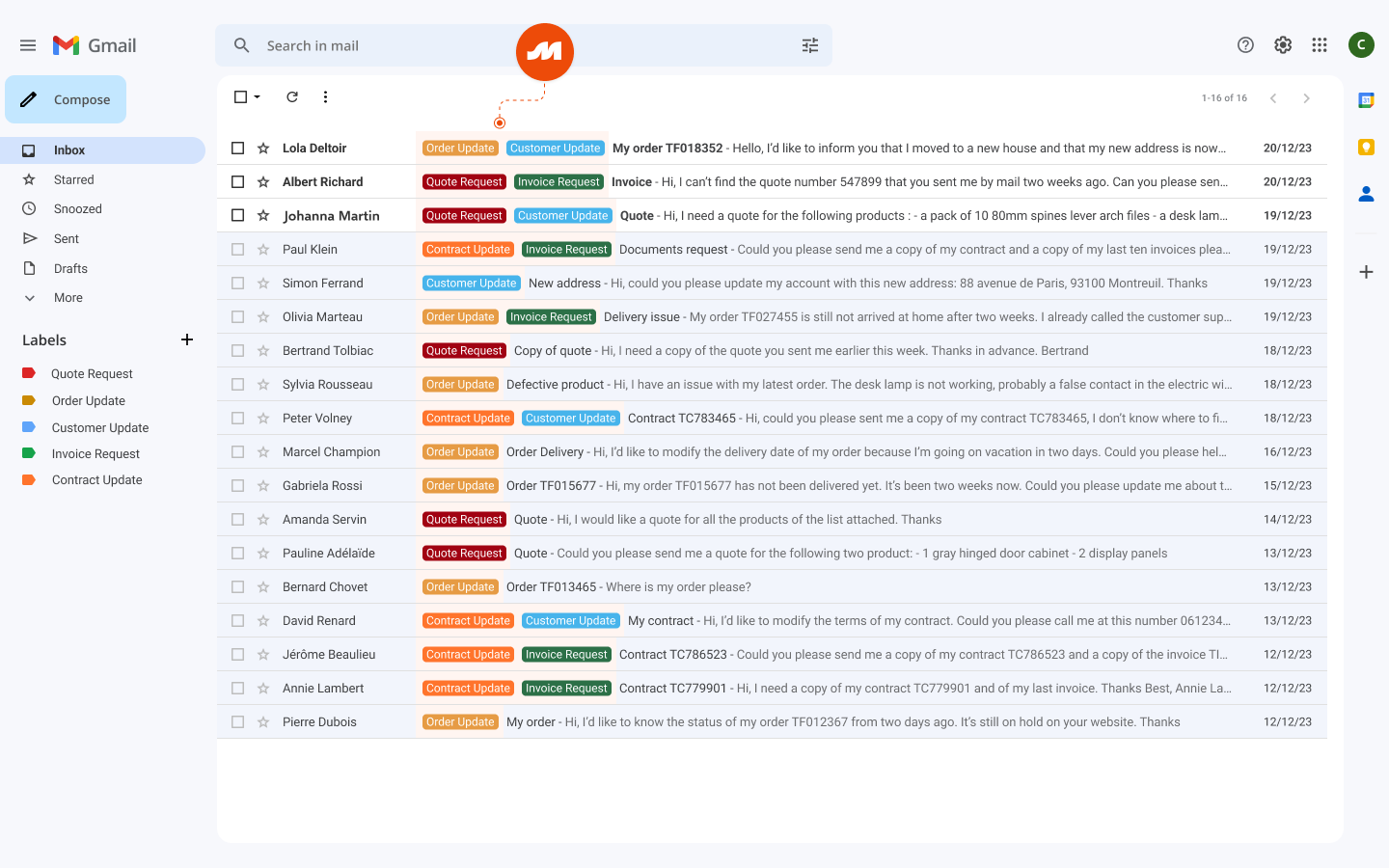
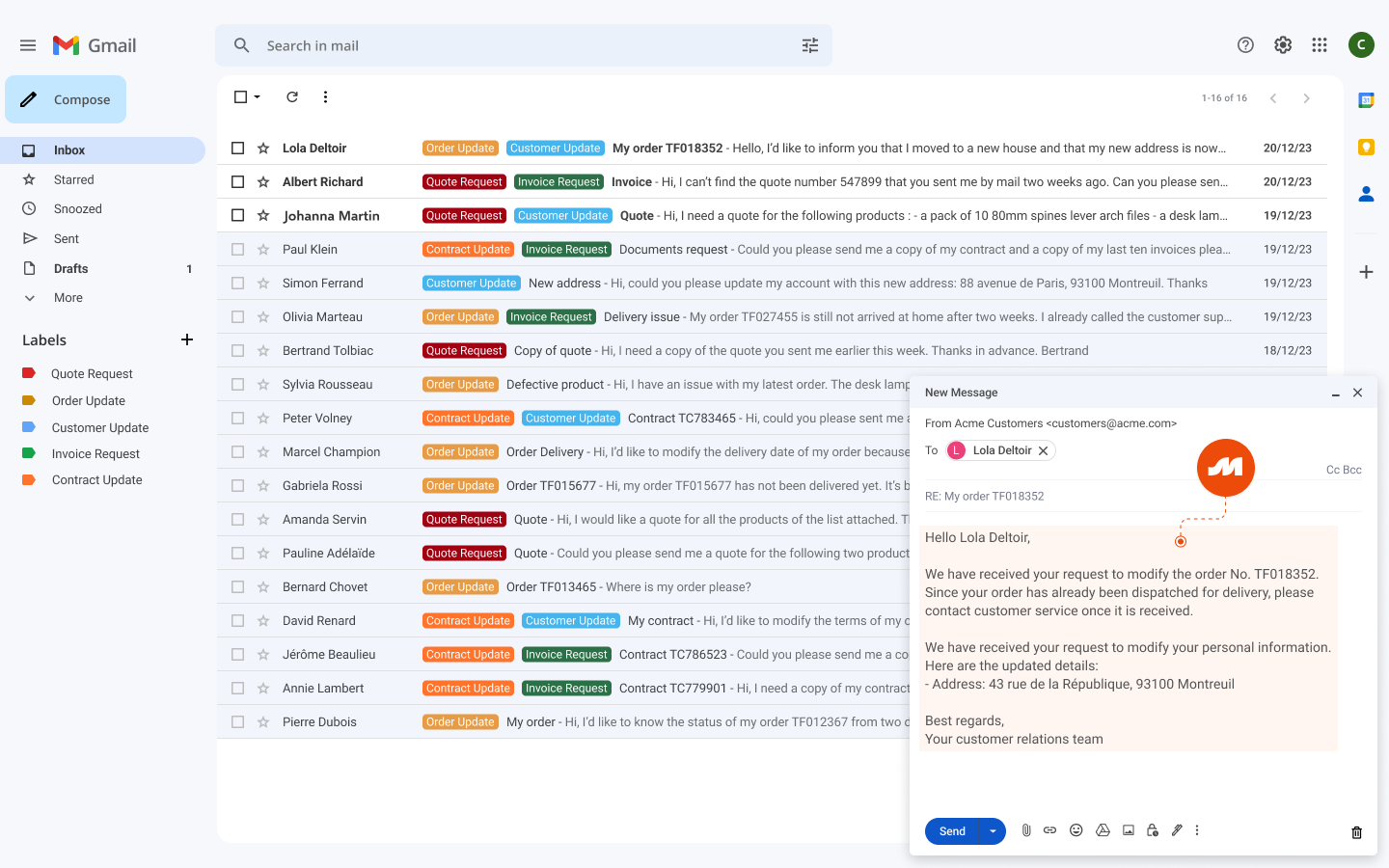


Optimize the processing time of your incoming messages. Our Gmail integration categorizes messages and their attachments based on detected intents and labels them in real time in your inbox for more efficient handling. It also enables the creation of response suggestions (drafts and automatic replies) for each detected intent.

Categorize messages based on detected intents and label them in real time directly in your inbox for more efficient processing.

Automatically populate your project management tool by extracting relevant information from incoming messages and attachments.

Automatically populate your CRM by extracting relevant information from incoming messages and attachments.
Try our explainable, efficient, and reliable AI today.
Sign up to receive the latest updates from Miralia.